
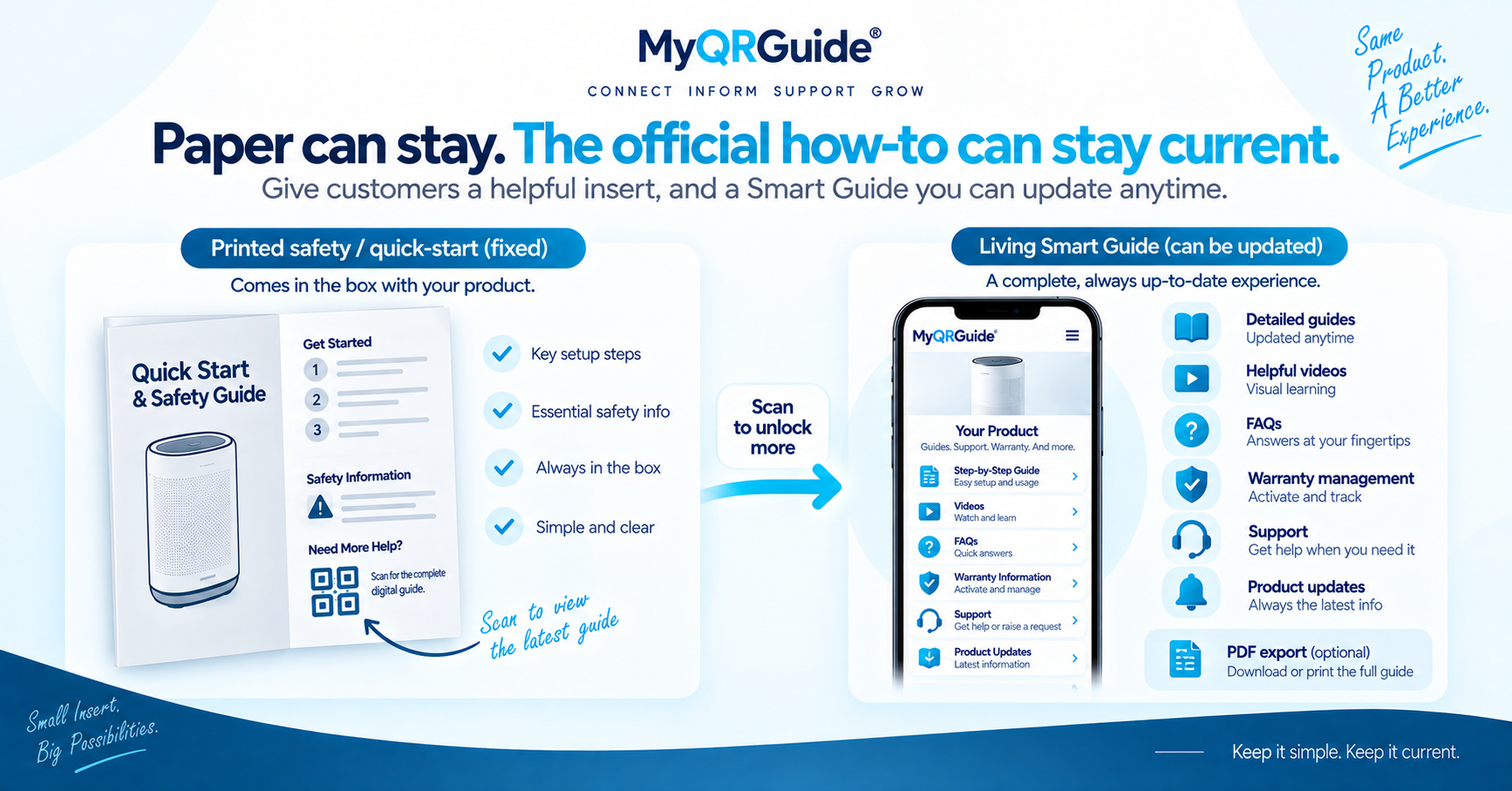
A printed manual is a snapshot. If a step is wrong, the paper in the box stays wrong. A digital Smart Guide can be corrected after the product ships, in the language and layout the brand maintains on the Product Mini Site.
MyQRGuide Smart Guides are interactive first. PDF upload or export is optional where the plan and the Mini Site settings allow it — not a replacement for the live guide. A digital file is not automatically compliant in every country. Compliance is jurisdiction-specific and needs legal review. Explore Smart Guides: Digital Product Manuals and Smart Guides. Side-by-side product page: PDF Manual vs Interactive Smart Guide.
What each format is for
| Format | What it does well | Where it breaks |
|---|---|---|
| Printed insert | Works with no signal. Some customers and some rules still expect paper in the box. | A wrong step stays wrong for every unit already shipped. |
| Live Smart Guide | The brand can correct steps after ship. The QR scan can open it. | The customer needs a working connection. It does not, by itself, satisfy every legal insert rule. |
| Optional PDF | A file to attach or print when you need one. | If the QR only opens that file, you are back to a snapshot unless someone replaces it. |
When paper still matters
Keep a physical insert when a regulation, a retailer, or your own safety review requires it. Digital does not delete that requirement. Have a qualified person review technical, safety, and legal wording before you publish either format.
Practical pattern
- Keep the official how-to current on the Mini Site in HTML.
- Point the Smart QR™ at that live experience, not only at a PDF.
- Export a PDF when you need a file.
- Keep the paper insert if your market still requires one.
How to add a guide: Add a Product Guide. Outcome checklist: create a digital product manual with a QR. After units ship: update instructions after shipping.